


The Ninebot Max G2 is designed for reliability and long-distance commuting. However, like any electric scooter, charging problems can occasionally occur.
If your scooter isn’t charging, the issue could be caused by something simple such as a loose cable or something more complex like a battery or controller fault.
This guide explains the most common reasons a Ninebot Max G2 may not charge and the steps you can take to troubleshoot the problem.
1. Check the Charger
The first thing to inspect is the charger itself.
A faulty charger is one of the most common reasons scooters fail to charge.
Things to check:
- Charger LED indicator light
- Damaged cables
- Loose power connections
If the charger light does not turn on when plugged into a power outlet, the charger may need replacement.
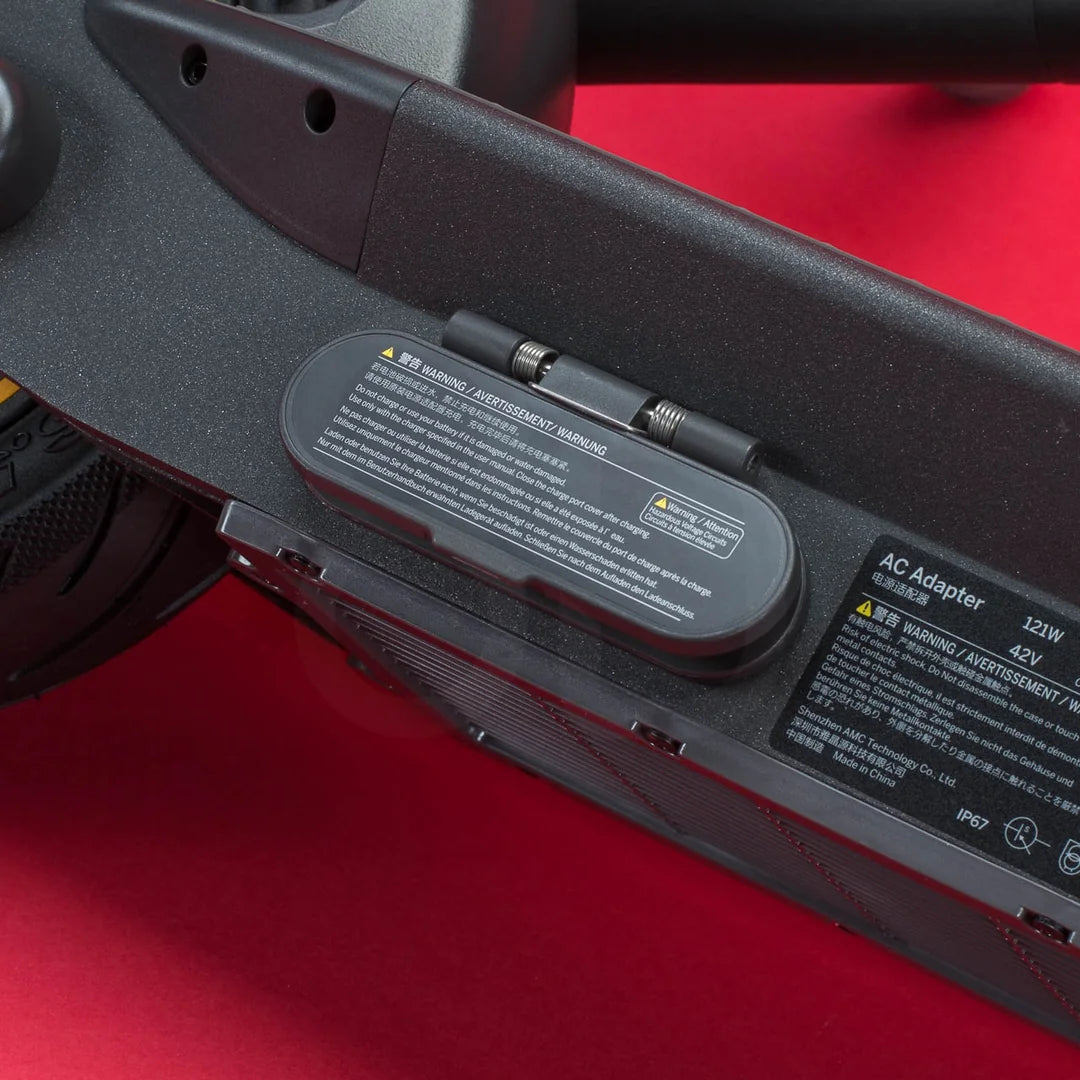
2. Inspect the Charging Port
The charging port on the scooter can sometimes become blocked by dirt or damaged through regular use.
Check for:
- Debris inside the port
- Bent pins
- Loose connections
Cleaning the port carefully may resolve the issue if debris is preventing proper contact.
3. Check the Charger Indicator Light
Most scooter chargers include an LED indicator that shows the charging status.
Typical charger light behaviour:
- Red light: charging in progress
- Green light: battery fully charged
- No light: charger problem or power issue
If the charger remains green even when the scooter battery is low, the charger may not be working correctly.

4. Battery Protection Mode
If the scooter battery has been completely drained, the battery management system may temporarily prevent charging.
To resolve this:
- Connect the charger
- Leave the scooter plugged in for several minutes
- Attempt charging again
In many cases, the battery will begin charging normally after a short delay.
5. Loose Internal Wiring
Electric scooters contain internal wiring that connects the charging port to the battery and controller.
Over time, vibrations from riding can loosen these connections.
Signs of wiring problems include:
- Intermittent charging
- Charger disconnecting easily
- Scooter not responding to the charger
6. Controller or Battery Issues
If the charger and charging port are functioning correctly, the problem may involve the controller or battery.
Possible symptoms include:
- Scooter not charging at all
- Dashboard not responding
- Previous electrical issues
In these cases, further inspection may be required to diagnose the faulty component.
Simple Troubleshooting Checklist
If your scooter is not charging, try these steps:
- Check the charger and power outlet
- Inspect the charging port
- Look at the charger LED indicator
- Ensure the battery is not fully drained
- Check for loose wiring
These steps can often resolve common charging issues.


How long should the Ninebot Max G2 take to charge?
Should I charge my Xiaomi scooter after every ride?
Why is my Ninebot Max G2 charger light green but the scooter is not charging?
Can a damaged charging port stop the scooter from charging?
Can the battery stop charging completely?
Final Thoughts
If your Ninebot Max G2 is not charging, the issue is usually related to the charger, charging port, or battery connections.
By checking these components step by step, many charging problems can be identified and resolved quickly.
Regular inspection of charging equipment and proper battery care can also help prevent future charging issues.
